AI Use CasesAlyx
Alyx - AI-powered Executive Assistant
AI-powered executive assistant designed to streamline schedule, emails, and tasks
AI MVP Development
Business Automation


Summary
Designing a scalable and efficient architecture
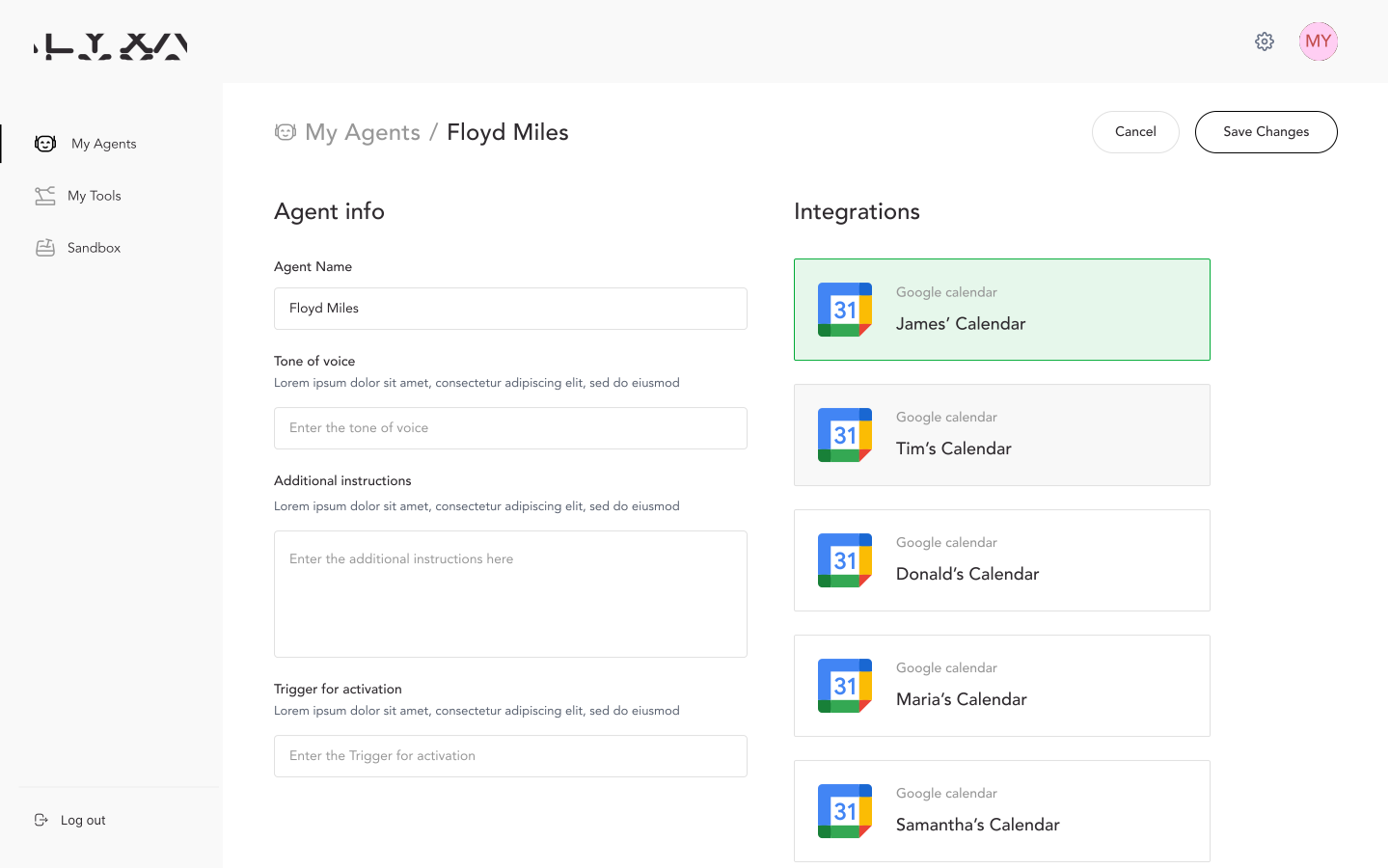
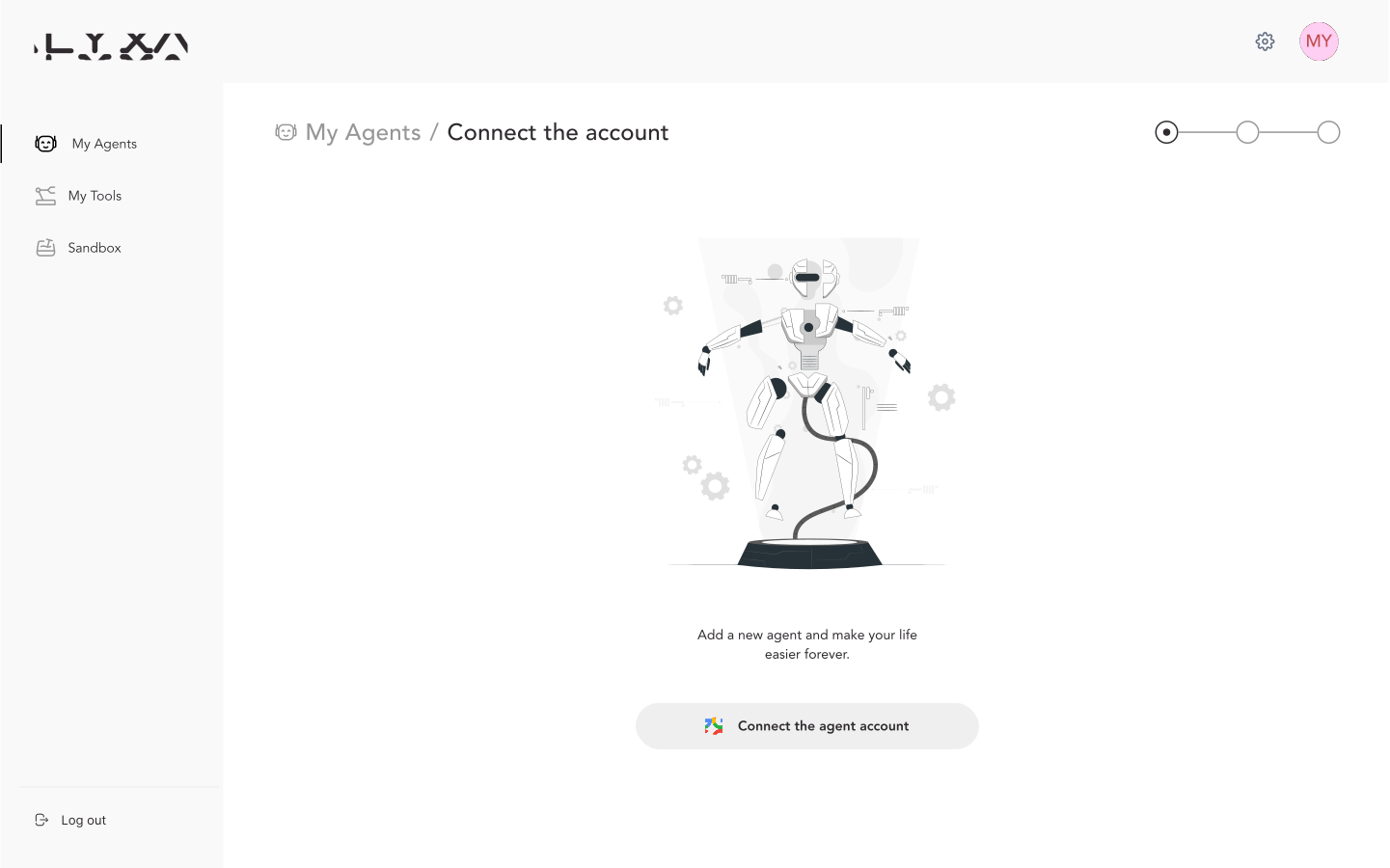
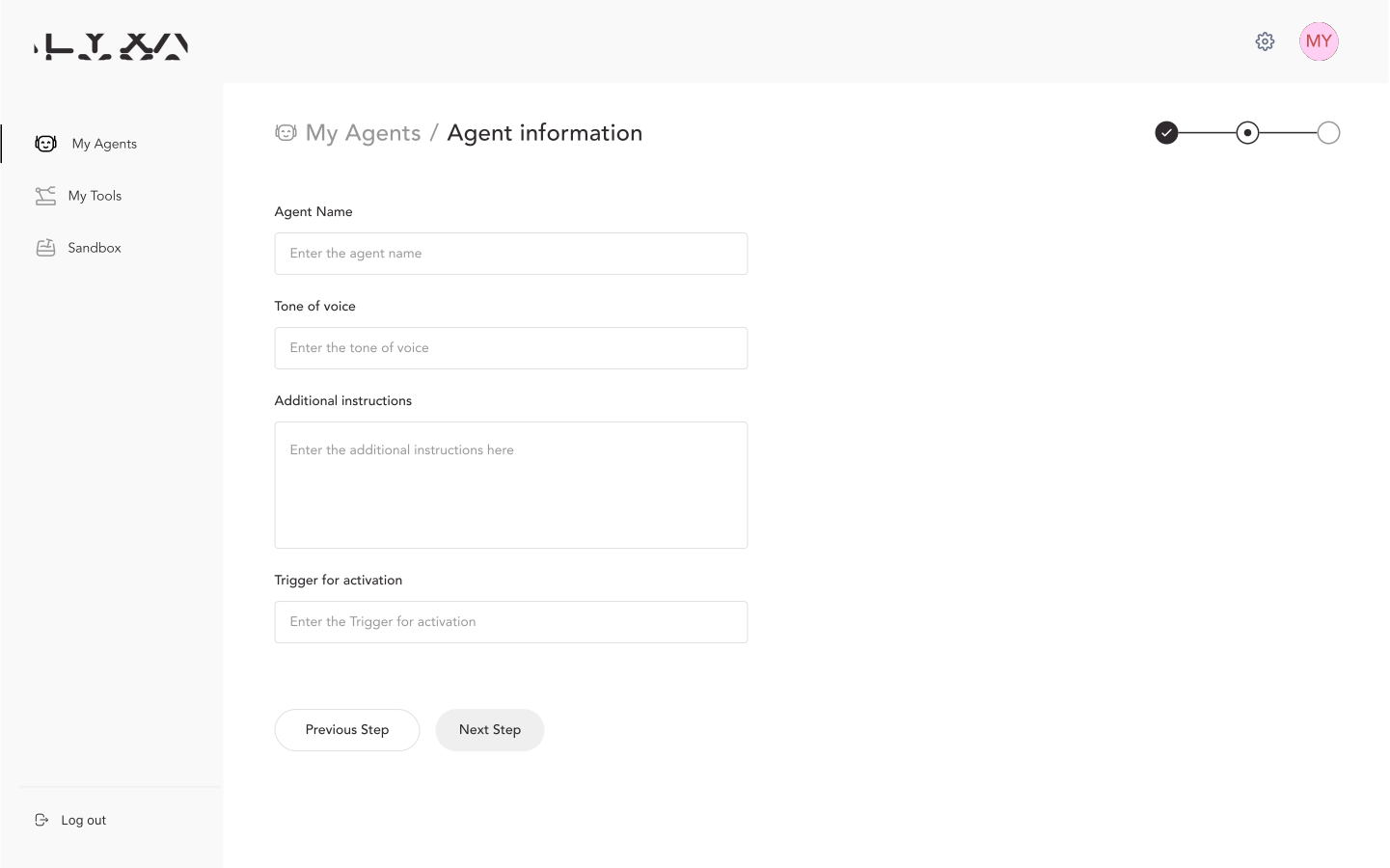
To bring this vision to life, we developed a robust web application where users can easily sign up, create their personalized AI agent, and customize its behavior to suit their specific needs. The onboarding process is straightforward: users can register, give the assistant clear instructions, and link their email and calendar services, such as Gmail and Google Calendar. Once set up, users can immediately experience the efficiency of Alyx, including an option to test the assistant before committing fully. This feature allows users to see firsthand how Alyx optimizes their daily communication.
Ensuring seamless integration of user email accounts
Our client, a seasoned investor and entrepreneur, recognized the immense potential in creating a universally accessible AI-powered tool that acts as a personal executive assistant. This vision was rooted in the idea that anyone, from freelancers to business professionals, could have a smart assistant seamlessly integrated into their workflow. Alyx was designed to simplify daily operations by connecting effortlessly to a user’s email and automating essential tasks like responding to messages and scheduling meetings via Google Meet.
Enabling Deep Personalization for User Needs
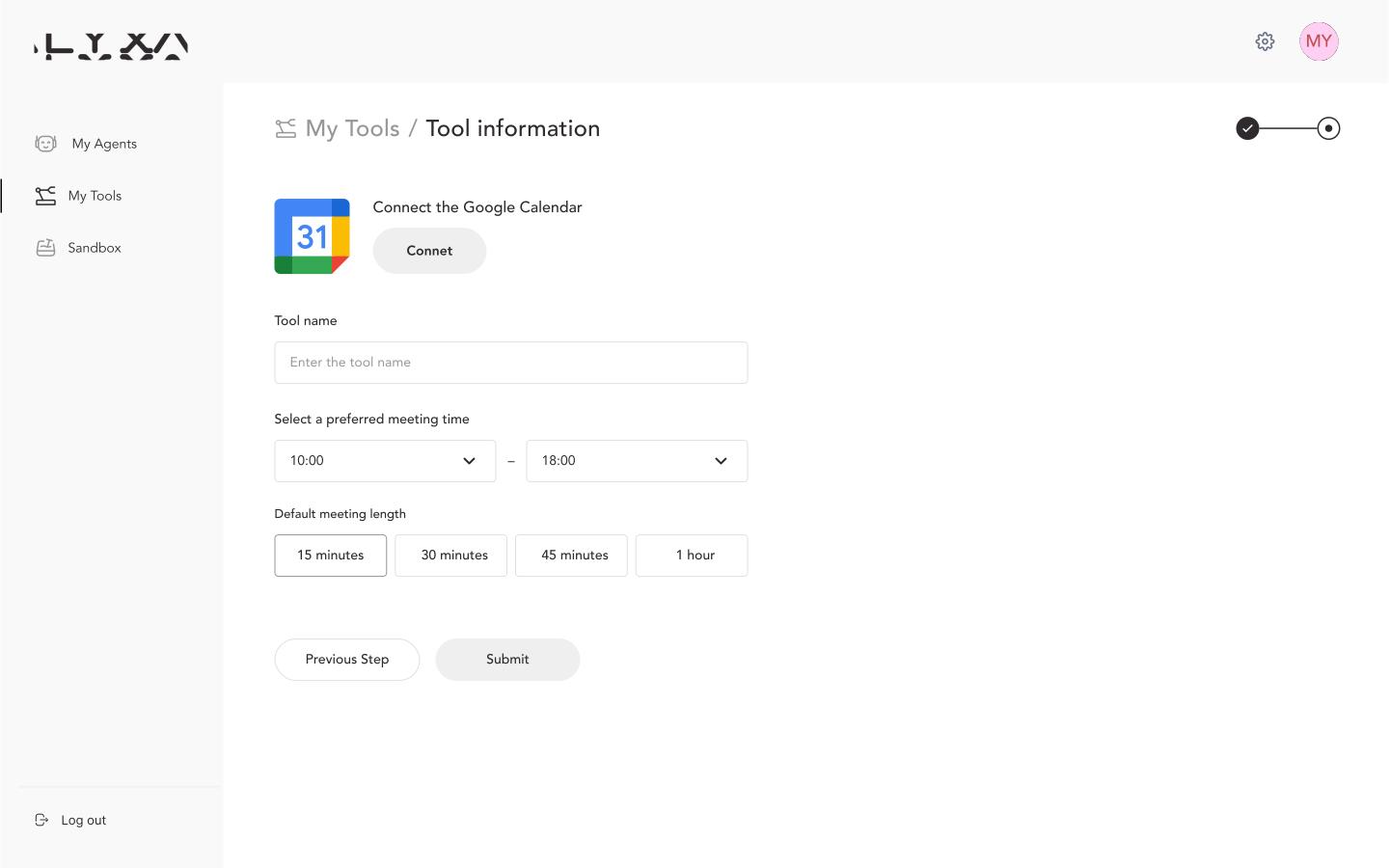
Alyx offers comprehensive customization options, allowing users to fine-tune how assistant interacts with others. Users can specify the assistant’s tone of communication, ensuring it aligns with their professional image. They can also set preferred time slots and prioritize availability for meetings. Additionally, Alyx supports timezone preferences, making it convenient for global professionals who frequently coordinate across different regions. This ensures that Alyx is not only effective but also highly adaptable to varying user needs.
Automating Communication and Scheduling Workflows
Once all settings are in place, Alyx autonomously manages incoming emails, handling communication seamlessly. It coordinates meetings by suggesting the preferred time slots set by the user, negotiating availability with recipients, and booking confirmed meetings directly into Google Calendar. Alyx is also equipped to reschedule or cancel appointments as needed, ensuring that the user’s schedule is always up to date and stress-free. This automation allows professionals to reclaim valuable time and focus on their priorities without worrying about the logistics of meeting management.
Tech Challenge
Ensuring Secure Email Integration and Compliance
Our first significant technical challenge was ensuring seamless integration of user email accounts while adhering to strict data privacy and security standards set by Google. To address this, we implemented a robust data management system that complies fully with Google's policies, earning us the CASA certification. This certification confirms that our approach to managing and securing user data meets the highest standards, ensuring that all communication and scheduling activities remain confidential and well-protected.
Architecting for Scalability and Extensibility
The second major challenge was designing a scalable and efficient architecture for Alyx that could handle not only email and meeting management but also support future integrations, like task managers and other productivity tools. Our goal was to create an agent capable of operating with high precision and minimal disruptions while maintaining cost efficiency. This required developing a flexible system architecture that would allow seamless integration of various services, ensuring Alyx remains reliable, responsive, and easily adaptable to future enhancements.
Development Technologies Stack


Timeline
1 weekBasic UI/UX development
1 weekSolution Architecture Design
2 weeksAI Agent development & Customization
2 weeksGmail & Google Calendar Tool Integration
3 weeksWeb Application Development
1 weekDeployment & Testing
Solution
Solution 1Developing a Framework-Free Custom Agent
We developed our custom agent from scratch, without relying on frameworks like LangChain or Crew.ai. Instead, we built our solution around the OpenAI API, creating bespoke callback logic to manage meeting scheduling and email communication. In simpler terms, our team manually designed and implemented the agent, which gives us maximum flexibility and scalability. This custom approach allows us to optimize the agent’s performance and adapt it to future needs with ease.
Solution 2Building a Custom Agent for Maximum Flexibility
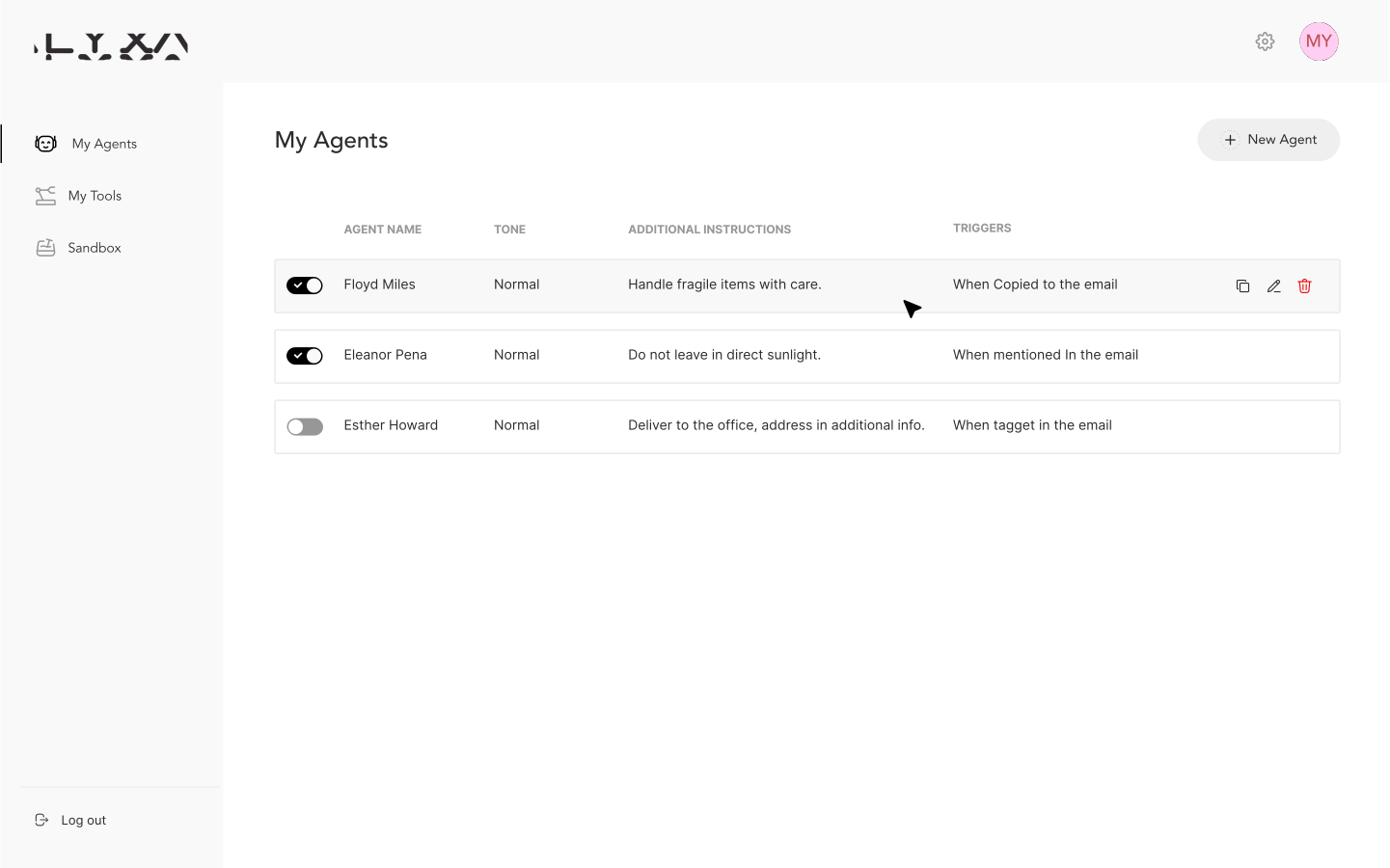
To facilitate interaction with the agent, we created a user-friendly web application. Users can register, create multiple agents with different configurations, and easily toggle each one on or off as needed. This setup provides a high degree of customization, enabling users to tailor Alyx to their specific workflows and preferences, whether they require a formal assistant or a more casual one.